Why Does My Treadmill Shut Off While In Use?
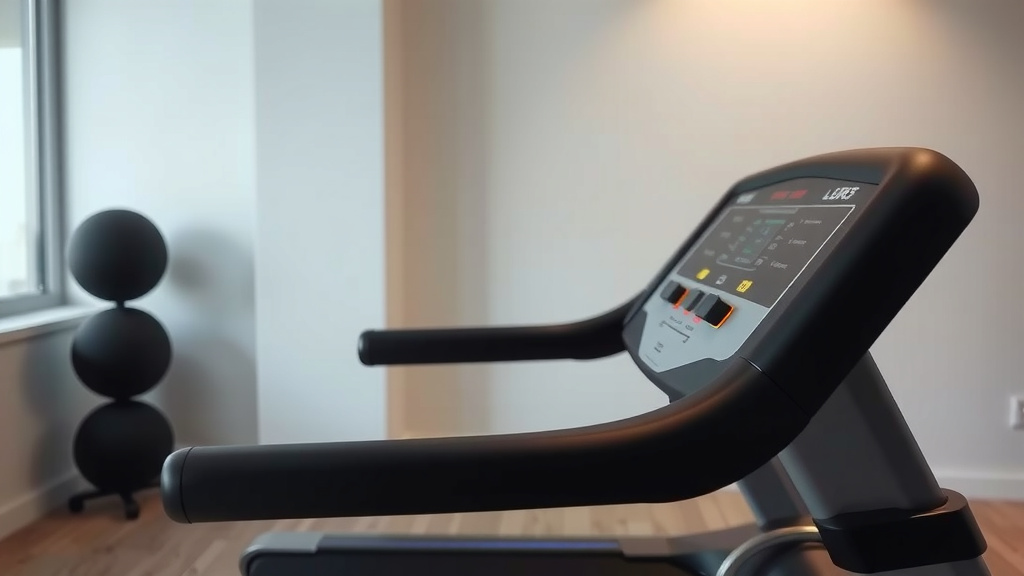
Your treadmill likely shuts off while in use due to a tripped circuit breaker, an overheating motor, or a dislodged safety key. These are common protective measures designed to prevent damage or injury.
If your treadmill stops unexpectedly, it often signals an underlying power issue, a worn component, or a safety mechanism activating as intended.
- A treadmill stopping mid-workout usually points to a **power supply problem** or **motor overheating**.
- Always check your **power outlet and circuit breaker** first, as these are easy fixes.
- Lack of proper **lubrication** can cause excessive friction, straining the motor.
- Sometimes, a simple **dislodged safety key** is the culprit, designed to stop the machine.
- For persistent issues, **worn belts** or a failing **motor control board** might be to blame.
Why Does My Treadmill Shut Off While In Use?
When your treadmill suddenly shuts off, it’s often activating a built-in safety feature to protect itself or you. Understanding these reasons can help you troubleshoot and get back to your workout faster.
Common Reasons Your Treadmill Stops Unexpectedly
It can be frustrating when your workout equipment quits on you. We found that most sudden treadmill shutdowns fall into a few key categories, from simple power glitches to more complex internal issues. Don’t worry, many problems have straightforward solutions you can try at home.
Power Supply Glitches
Many treadmill issues start with the power source. Have you checked if the **plug is secure**? Sometimes, a loose connection can interrupt power, causing a sudden stop. It’s a quick thing to check before anything else.
Your home circuit could also be overloaded. Treadmills draw significant power, and if other heavy appliances are on the same circuit, the breaker might trip (Mayo Clinic). This is a common safety feature.
A faulty wall outlet can also be the problem. Try plugging your treadmill into a different, **known-good outlet** to see if the issue persists. This helps rule out a bad power source.
Motor Overheating Protection
Treadmills have a built-in sensor to detect when the motor gets too hot. If you’ve been running for a long time or at a very high intensity, the motor might overheat, triggering an automatic shutdown. This protects the motor from permanent damage.
A common sign of an overheating motor is if the treadmill works fine for a bit, then stops. Giving it a rest for 30-60 minutes can often let it cool down and reset. We found that this often solves intermittent shutdown problems.
Another factor contributing to motor overheating can be increased friction from an unlubricated belt. This makes the motor work harder, generating more heat. You’ll want to address that too.
| Overheating Indicators | What to Do |
|---|---|
| Treadmill stops after extended use | Turn off and **unplug for 30-60 minutes** to cool. |
| Motor feels hot to the touch | Allow ample **cooling time**. |
| Burning smell from motor area | Stop use immediately, **unplug**, and seek professional help if persistent. |
| Display shows an “E1” or “motor fault” error | Consult your **owner’s manual** for specific error codes. |
Lubrication Issues Can Cause Stops
Think of your treadmill belt like the tires on your car; they need proper maintenance. Over time, the walking belt can dry out underneath, increasing friction between the belt and the deck. This forces the motor to work much harder to move the belt.
When the motor is under too much strain, it can overheat and trigger a shutdown (NIH research often links increased motor load with overheating). You might notice the belt feels sluggish or hear a straining sound.
Applying the correct silicone-based lubricant to the deck can dramatically reduce this friction. It’s a simple maintenance task that can prevent shutdowns and extend your treadmill’s life. Check your manual for the right type and application.
- Treadmill Lubrication Checklist:
- Check your **owner’s manual** for specific lubricant recommendations.
- Most models use 100% silicone lubricant.
- Unplug the treadmill before **any maintenance**.
- Lift the edge of the walking belt and apply lubricant in a Z-pattern.
- Run the treadmill at a slow speed for a few minutes to spread the lubricant.
- Aim to lubricate every **3 months or after 40 hours** of use.
Worn Components and Mechanical Problems
Beyond power and lubrication, internal parts can wear out, leading to unexpected stops. These issues often require a closer look, possibly by a technician.
If the **walking belt or drive belt** is worn, slipping, or too loose, it can create inconsistent movement. This can confuse the speed sensor or overwork the motor, causing a shutdown. You might hear squeaking or slipping sounds.
The Dreaded Motor Control Board (MCB)
The Motor Control Board is like the treadmill’s brain, regulating power to the motor and controlling its speed. If this board begins to fail, it can send incorrect signals or struggle to maintain a consistent power supply. Many experts say it’s a common failure point for older machines.
A failing MCB might cause intermittent shutdowns, erratic speed changes, or a complete failure to start. If other simpler solutions don’t work, the MCB could be the culprit.
Speed Sensor Snags
Your treadmill has a small speed sensor that monitors the belt’s rotation. It tells the console how fast you’re going. If this sensor becomes faulty, dirty, or misaligned, it can send incorrect speed readings.
The treadmill’s computer might interpret these bad readings as a malfunction and shut down as a safety measure. You might notice the display showing an incorrect speed or erratic speed changes before it stops.
Safety Key Disengagement
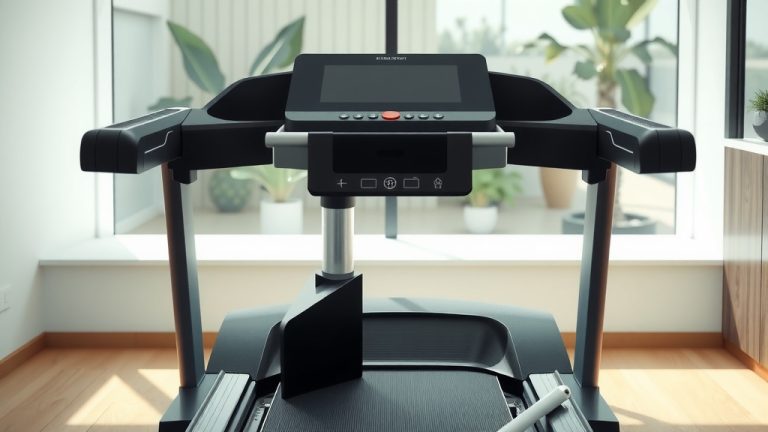
This is often the simplest fix and sometimes the most overlooked. Every treadmill has a magnetic safety key that attaches to the console and clips onto your clothing. If this key becomes dislodged, even slightly, your treadmill will immediately shut off.
It’s designed to stop the machine quickly in an emergency, but sometimes it just pops off accidentally. Always ensure your safety key is **firmly in place** before and during your workout. Many experts recommend always using it for your protection.
Understanding Circuit Breakers and Overloads
Your home’s electrical system has circuit breakers to protect against overloads. When your treadmill starts, it draws a lot of current. If the circuit it’s plugged into is already handling other high-power devices, the combined draw can exceed the breaker’s capacity.
The breaker will then “trip,” cutting power to everything on that circuit, including your treadmill. To reset it, you’ll need to find your electrical panel and flip the tripped breaker switch back on. Consider plugging your treadmill into a dedicated circuit if possible (Cleveland Clinic).
When to Call a Professional Treadmill Technician
While many issues can be DIY-fixed, some problems are best left to the pros. If you’ve tried all the basic troubleshooting steps and your treadmill still acts up, it might be time for expert help.
You should consider calling a technician if:
- You suspect a **motor control board** or motor failure.
- There are persistent **electrical problems** beyond a simple tripped breaker.
- You hear unusual grinding noises or burning smells.
- Your treadmill is under **warranty**, and you don’t want to void it.
- You’re uncomfortable working with **electrical components**.
Your safety is paramount. Don’t attempt repairs that are beyond your comfort or skill level, especially with electrical components. We found that a professional diagnosis can save you money and headaches in the long run.
Conclusion
When your treadmill shuts off unexpectedly, it’s usually a clear sign something needs attention. From simple power checks and proper lubrication to understanding motor protection, many common causes have straightforward solutions. Always remember to prioritize safety by unplugging the machine before any inspection. By systematically troubleshooting these issues, you can often get your treadmill back in working order and keep your fitness journey on track. If the problem persists or seems complex, a certified technician is always the best next step to ensure a safe and lasting fix.
Why does my treadmill lose power intermittently?
Intermittent power loss often points to a loose power cord connection, a strained extension cord, or an overloaded electrical circuit. Check all power connections and ensure the treadmill is plugged directly into a wall outlet, preferably on a dedicated circuit.
Can a dirty treadmill motor cause it to shut off?
Yes, a motor can accumulate dust and debris, which acts as an insulator, trapping heat. This can cause the motor to overheat and shut off as a protective measure. Regular cleaning, often by a professional, can help prevent this.
How often should I lubricate my treadmill belt?
Most treadmill manufacturers recommend lubricating the walking belt every 3 months or after every 40-60 hours of use, whichever comes first. Always refer to your specific owner’s manual for the best guidance on frequency and type of lubricant.
Is it normal for a new treadmill to shut off sometimes?
It’s generally not normal for a new treadmill to shut off during use. While some initial break-in period might occur, persistent shutdowns could indicate a manufacturing defect, an electrical issue in your home, or incorrect assembly. Contact the manufacturer or retailer for support if this happens.
What does an E1 or E2 error code mean when my treadmill shuts off?
Error codes like E1 or E2 are specific to your treadmill model and typically indicate a fault detected by the machine’s computer. They often relate to speed sensor issues, motor control board problems, or motor overheating. You should consult your treadmill’s owner’s manual for the precise meaning of these codes and recommended troubleshooting steps.